Macbook pro 12 inch a1534 battery replacement

MacBook pro 12-inch a1534 battery replacement is a very common repair we get. The reason is, all batteries fail at some point, sooner or later. No matter which device, no matter what brand, and no matter how big or small the battery is- eventually they all fail.
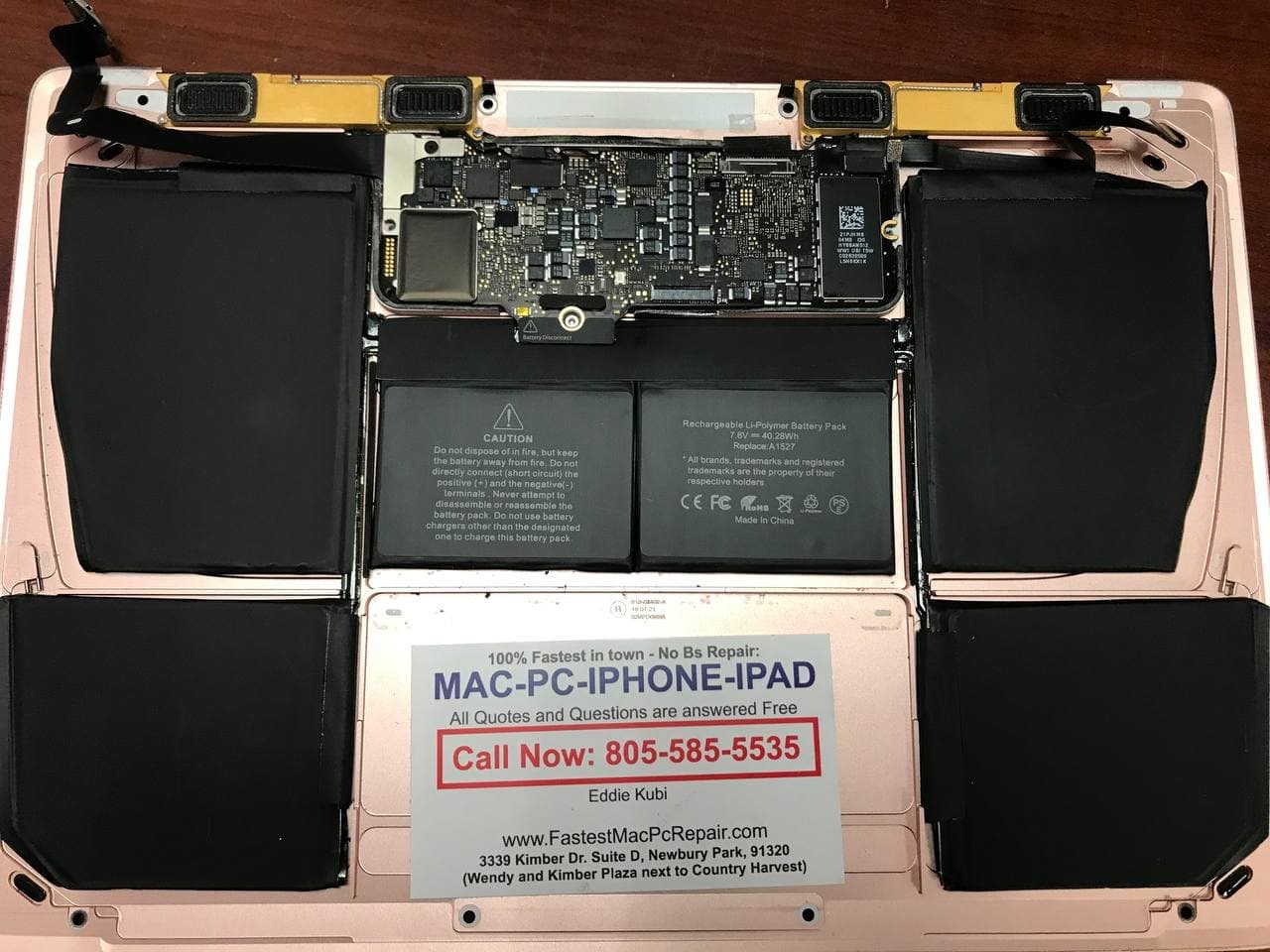
As they say, it’s a question of when… And all that depends on many factors. Battery cell quality, manufacturing quality, when the battery was made, who made it, how long it has been laying on the shelf before it was installed in the device, and also the manner in which it was being used.

One way to determine Apple MacBook pro batteries, as well as MacBook Air battery life expectancy, is by looking at the battery cycle count.

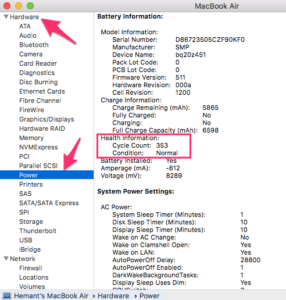
You can find it by going to About this Mac menu item. Then click on System Report and find the Power menu item in the left column.

On the right-hand side, you will see the cycle count for you your battery. new MacBook battery cycles start at 0 and they go up. How much they go up, depends on how much you use the battery. Most batteries start to go bad somewhere around 700-800 cycles. Even though we have seen batteries go to 1400 cycles and some fail at around 200-300. But the most common number to see when the battery starts to fail is around 700-800.

you can also download a tool called coconut battery which will tell you more info on the battery inside your MacBook, like when it was manufactured and how much of the charge capacity it holds, etc.
Replacing a faulty battery takes about 1 hour in new MacBook pros and MacBook airs. if you are in need of macbook battery replacement you can call us at 805-585-5535 or stop by our store – Fastest Mac repair and Pc Repair Newbury park, at 3339 Kimber Dr. Suite D, Newbury Park, Ca 91320

We keep most batteries in stock and can swap them out for you very quickly!
Gaming PC Is Shutting Down- Graphic Card Failure

This gaming pc shutting down randomly issue, at first seemed to appear as puzzle and as a great challenge. Because it would shut down randomly, after 4-5 minutes when playing a video game. Or when rendering some videos on a computer.At other times it was running smoothly, which made the whole situation a little confusing at first.

So like always, first thing we had to check was RAM memory and after switching them back and forth, as well as trying to run computer on one memory stick at the time. The problem still persisted.But the possibility of RAM stick being faulty was eliminated.

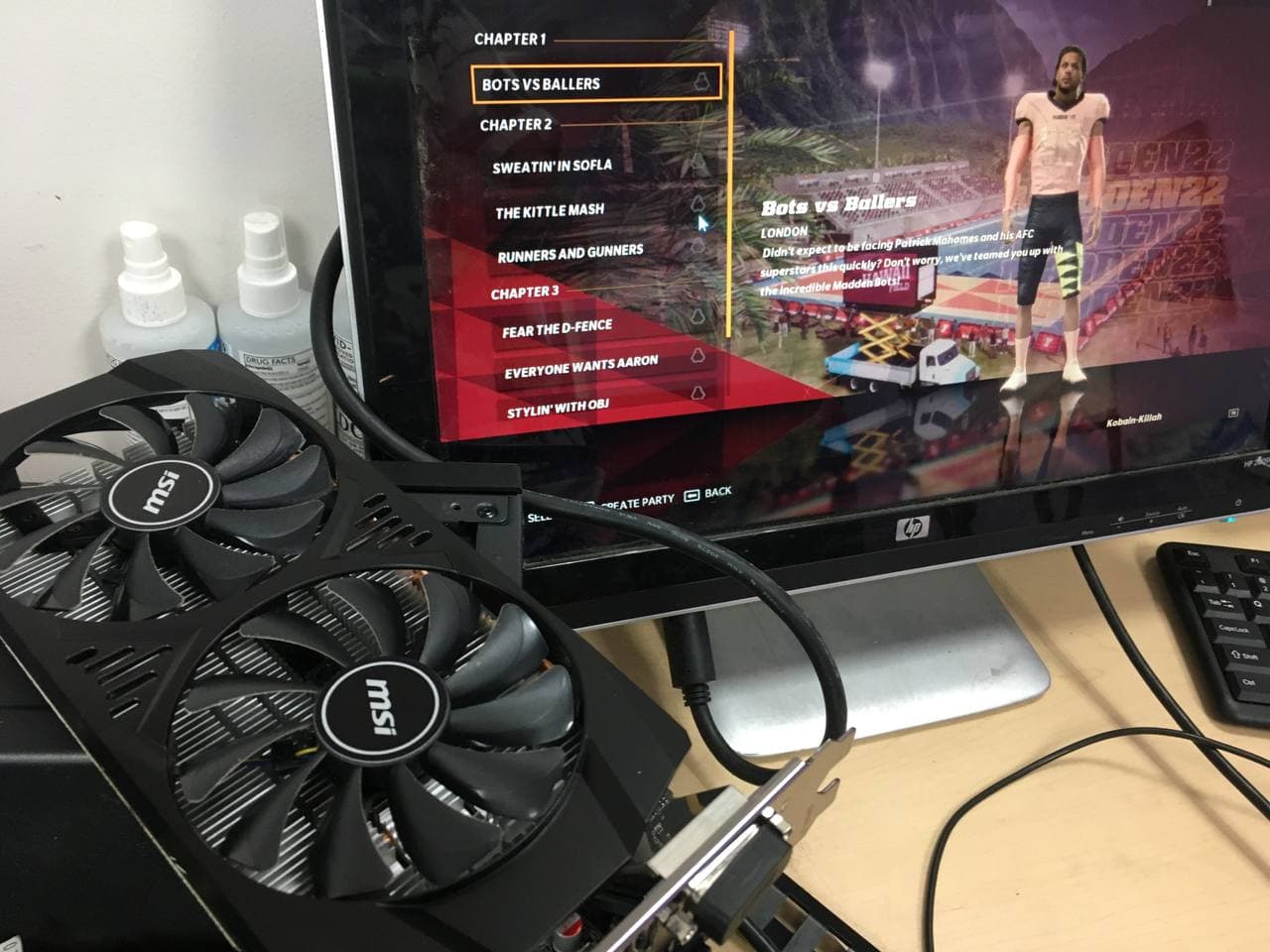
Next we thought its either the power supply or the graphics card. Because it seemed that the shut down issue was occurring when gaming pc was under heavy load of graphics. So right away, we tried to install a different graphics card. After installing it, had to update the latest drivers on it. And then try playing a video game.

gaming pc graphics card failure

And what do you know, the pc stopped shutting down. the game was playing smoothly for over an hour and there were no problems anymore.

Graphics card failure is pretty common thing in a computer world. they fail on laptops, macbooks, imacs, and all other devices. they fail due to overheating issues, due to manufacturing defects, from aging and all of the above combined. In most cases you can guess how long your card will last. But in general they last quite a long time, especially if you make sure the fans on it are clean and they get proper cooling, as well as periodically changing thermal paste on them as well, also to improve cooling, so it does’g get too hot quickly.

for any computer questions or any gaming pc repair issues feel free to call us at 805-585-5535 or stop by our store at Fastest mac repair and pc repair newbury park, ca 91320

All questions and quotes are free of charge.

Slow Mac Mini SSD Upgrade

Most customers we have these days who complain about their mac computers being slow, first think they need to clean their computers up from viruses. Or reinstall their software. Or even buy and come to ask us to install some extra memory for them.

All those things are ok and in some cases necessary to do. But…

What many don’t realize. Is that the reason their computer is slow. It is only because they still have an old spinning hard drive in it.

Now this applies to all macbooks before 2013 (we don’t get many of those anymore, cause they are just getting too old to use in most cases).

It applies to mac minis before 2015. And all imacs before 2019.

When you have an old spinning hard drive in your computer as storage device. Where your mac stores your operating system, along with all your files. That data is being read at pretty slow pace.

Back when these were THE ONLY thing. They were great. Yet the also came in different speeds. 5400RPM, 7200 RPM and even 10000RPM (rotations per minute). they were an amazing piece of technology that helped store loads of data and changed computer industry, as well as music industry (when steve jobs figured out how to put one in your pocket and walk around with thousands of songs on it that you can listen to on your ipod).

However, these days, as technology progressed and flash memory devices emerged- USB sticks, SD cards, etc.

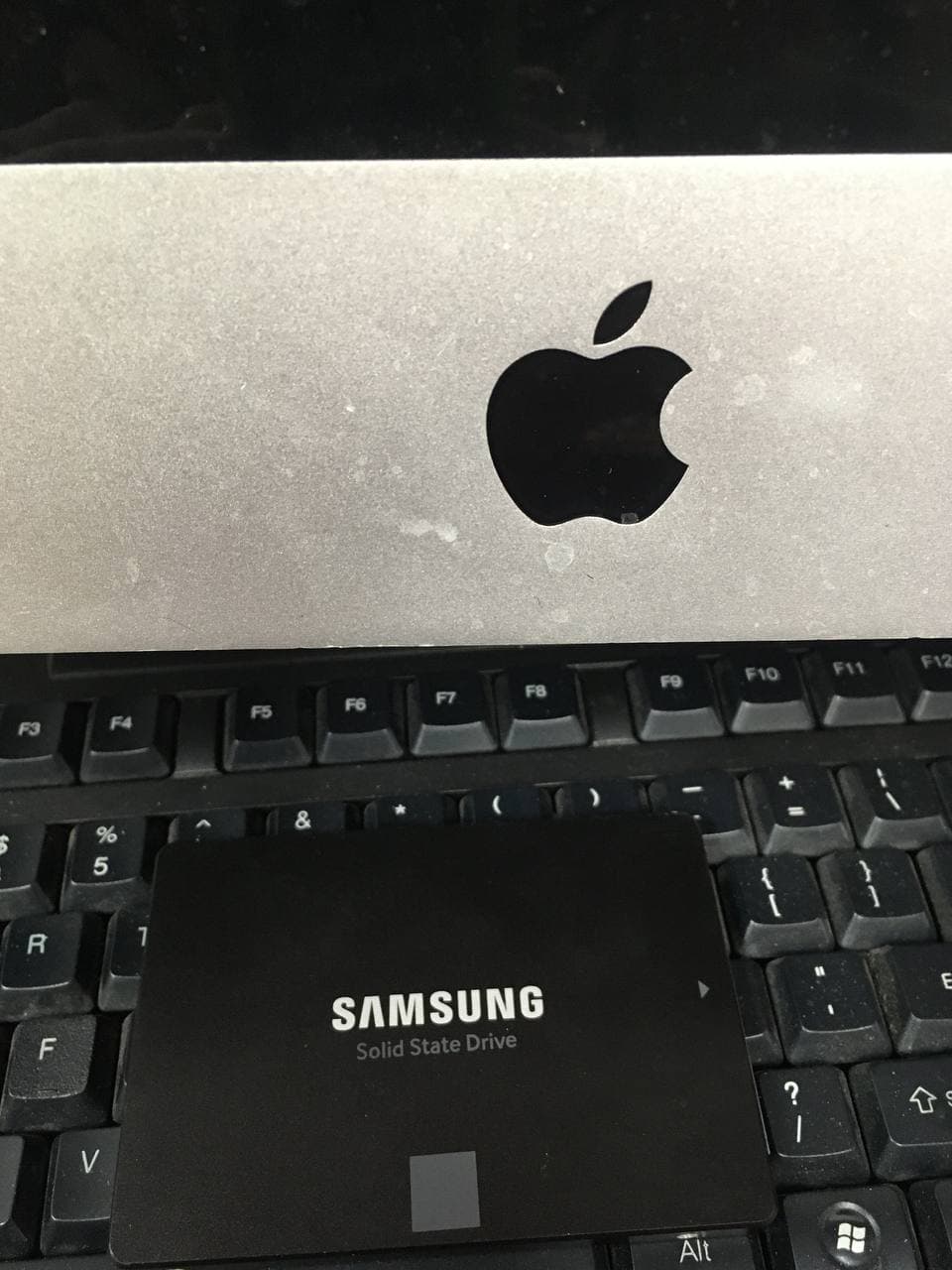
Manufacturers also started producing flash memory drives called SSD’s (Solid State Drives) to go into computers.

And if you will compare read and write rates of a SSD to a regular 5400RPM hard drive. They are usually 10-15 times faster.

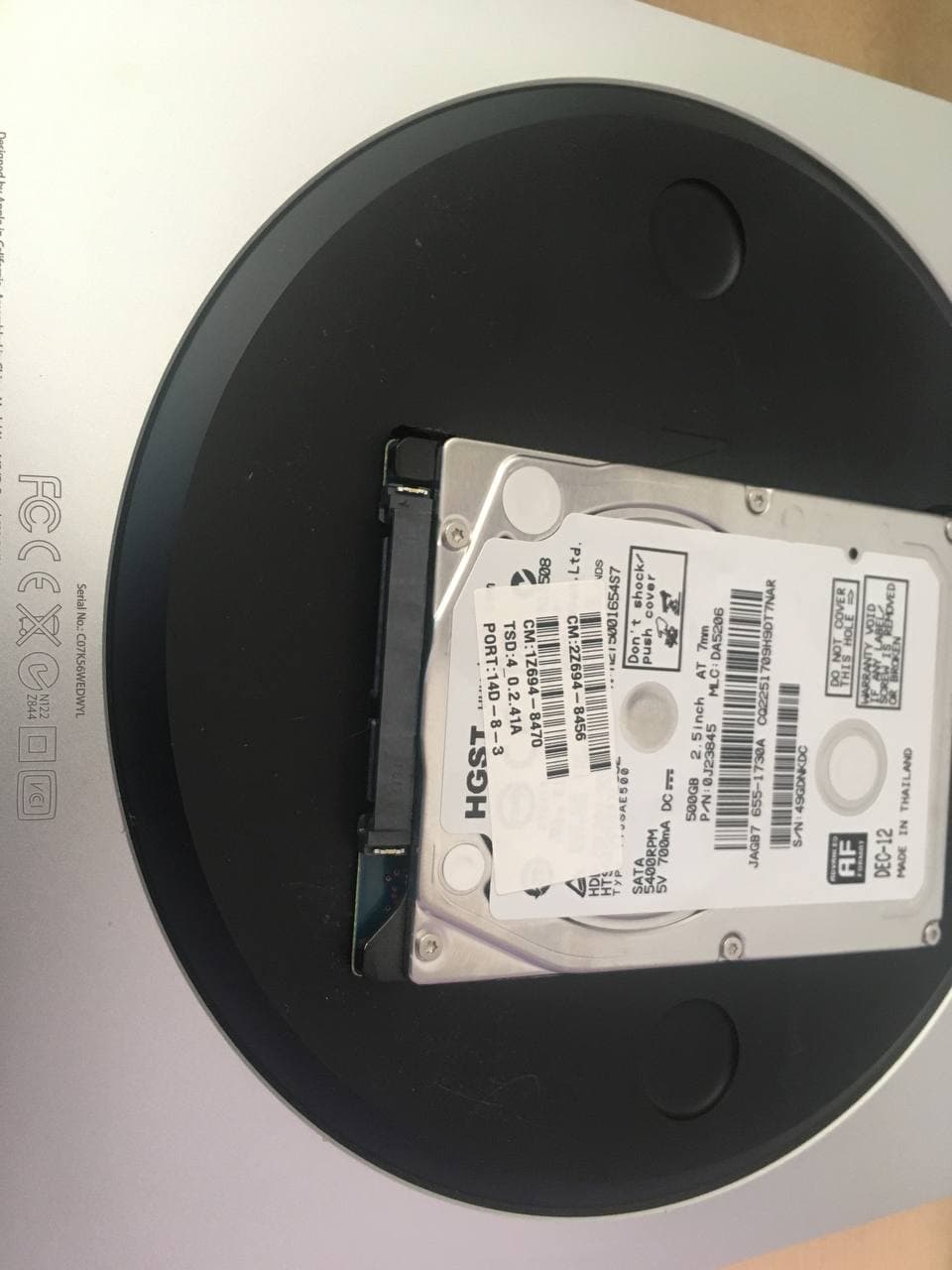
So if your macbook or imac or mac mini is running slow. First thing you need to do is to find out, whether you still have an old hard drive inside your device. And if you do, that’s the first thing you need to replace, to see a major difference in how your mac operates. It will be like night and day. You will be literally amazed how fast your imac can run without doing anything else to it, except by just replacing old hard drive with a SSD.

At Fastest mac repair and pc repair Newbury park- we are really good at it and we can do it for you in a heartbeat!

we offer mac mini SSD upgrades, Imac 27 inch and 21.5 inch SSD upgrades, and also macbook pro ssd upgrades as well on those older units that some people still use.

call us at 805-585-5535 or stop by at our store at 3339 Kimber dr. STE D, Newbury Park, CA 91320

We are the fastest and most qualified mac repair in thousand oaks, ca area!

Lenovo laptop Dc jack replacement

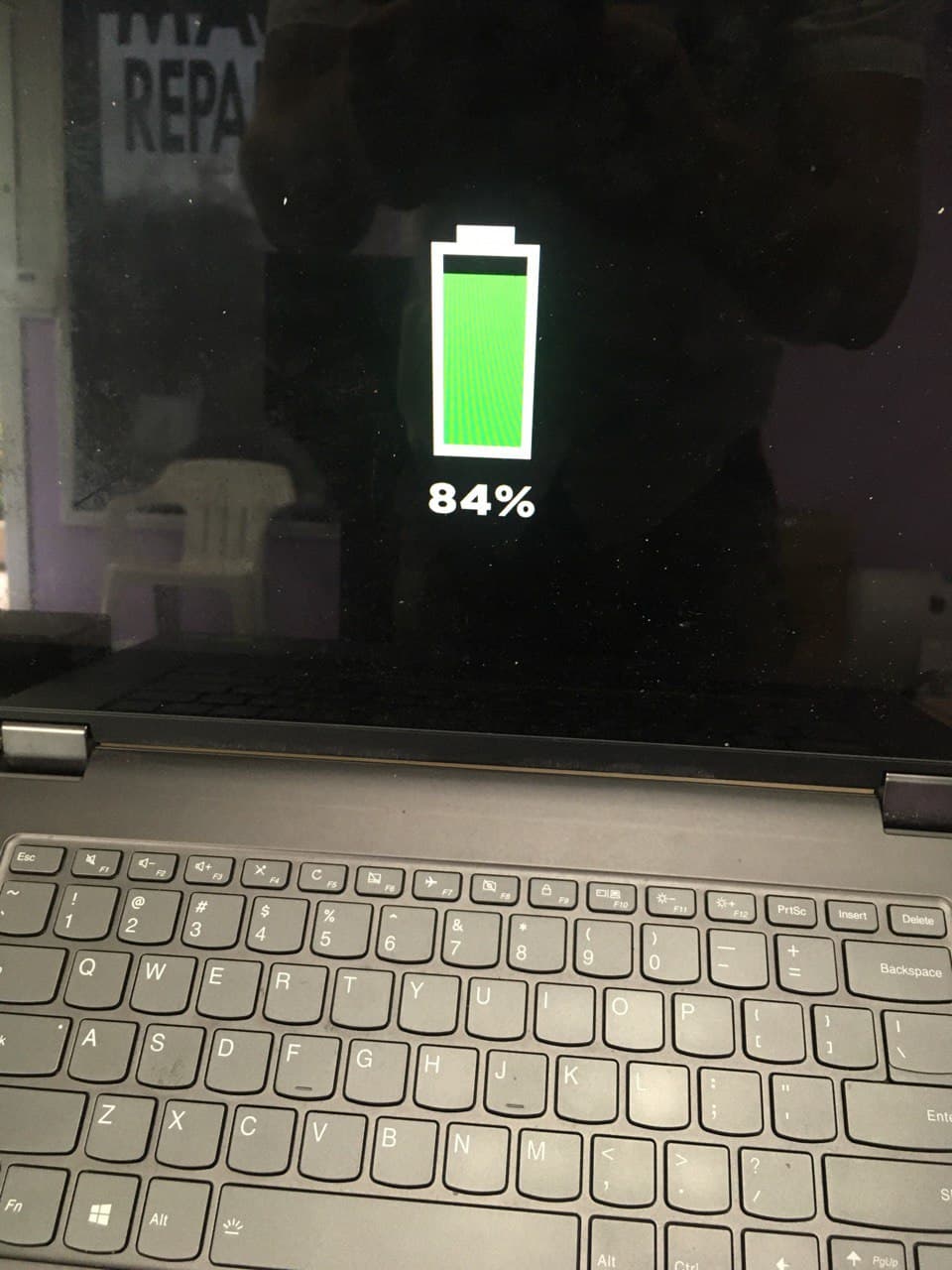
Many times when your Lenovo laptop isn’t charging, is because of a faulty dc jack.

These days, manufacturers design all laptops with thin, tiny little jacks (charging ports) maybe cause they look cooler small, maybe for some other reasons. But for you as a consumer, it only means you have a more fragile dc jack that can break easily and you have to be extra careful with it.

There really aren’t any other ways to protect them. They all break just as easily if you yank or trip over the charging cord. Or if your laptop falls off the bed when it is plugged in. Or your dog decides he wants to play around by running away with a charging adapter in his teeth, cause you forgot to take him to the park this morning!

Only remedy for this is to be extra careful, to always be aware of this issue and to be gentle with the jacks when computer is charging.

Dc jack repair problem is not common for Lenovo laptops only. it happens to dell, hp, Samsung, Chromebooks, Asus, Ccer and all the rest of the laptops.

For years apple Macbooks had a magnetic charger, but now went back to a plug in charger via Usb-c connector, which seems to be sturdy enough, but can still break if enough pressure is applied. Yet we see usb-c charging ports break more on PC laptops, rather than apple.

So if you have a broken dc jack(charging port) on your lenovo laptop. Or any other laptop. Feel free to reach out at 805-585-5535 or stop by at our store at Fastest mac repair and pc repair Newbury park – 3339 Kimber dr. STE D

and we will help you solve this issue very quickly!

Macbook Keyboard Repair

Finally there are some great news regarding Apple! That doesn’t happen very often, other than when you hear about their stock going up to record levels or the next iphone they release. So people can start lining up around the block if they want to get it! Cause you know it has all those great features, kinda like the current phone you have, only a lot better! Maybe 5% better or so! Anyhow. That’s a topic for another conversation.

Today’s conversation is about keyboards! And keyboard Apple did fix on these new macbooks that came out in 2020!

Why should this be great news to you?! Well, because since all the way back in 2015, Apple released this new miracle keyboard- called butterfly keyboard. It was so great! So low, so slick looking! That replaced this old, clunky keyboard from the past!!! And I agree, it was a great keyboard, but only to look at. Cause if you had to type something, you wouldn’t be so excited about it then…

And just like Air pods were Apple’s greatest product, therefore the equivalent analogy on the negative side, was no other than – “a butterfly keyboard”! (if you don’t believe me, just put “butterfly keyboard problem in google search and see what happens!

You’re back! how many million searches were there? Anyhow, here is my take on it…. The keyboard was so bad, that Apple actually changed it back to an old clunky, to tall-key keyboard from the dinosaur computers of last Millennia! because Apple, finally learned (in four years) that people actually WANT TO USE THEIR KEYBOARDS FOR TYPING on their computers, not just to look how pretty it is!

If you haven’t computer with that keyboard, consider yourself lucky. cause otherwise, you might have had to pay a random 300-400 hundred USD to replace your keyboard cause your space bar or some other key got stuck and wouldn’t move anymore. or if you spilled something on your keyboard by accident and your keys were sticky. You could not just lift the keys and clean them out. You would have to replace the whole keyboard or the whole palm rest for that matter! And you would be baffled and would have had a slightly puzzled look on your face, after Apple would have told you, it wasn’t covered by warranty or something between those lines.

But luckily! Enough about the negative! Today, if you own a new 2020 macbook. The keys are actually back to normal! and you can clean them out with no problem! So go ahead and don’t be so shy about spilling coke, pepsi, orange juice, beer, wine, milk, black tea with sugar on it or whatever else you want to spill on it!Because the new-old keys now can be cleaned out! and they can be cleaned out very flawlessly!

Just be careful if you spill something on your macbook, you might also damage the logic board and you might need macbook water damage repair too!

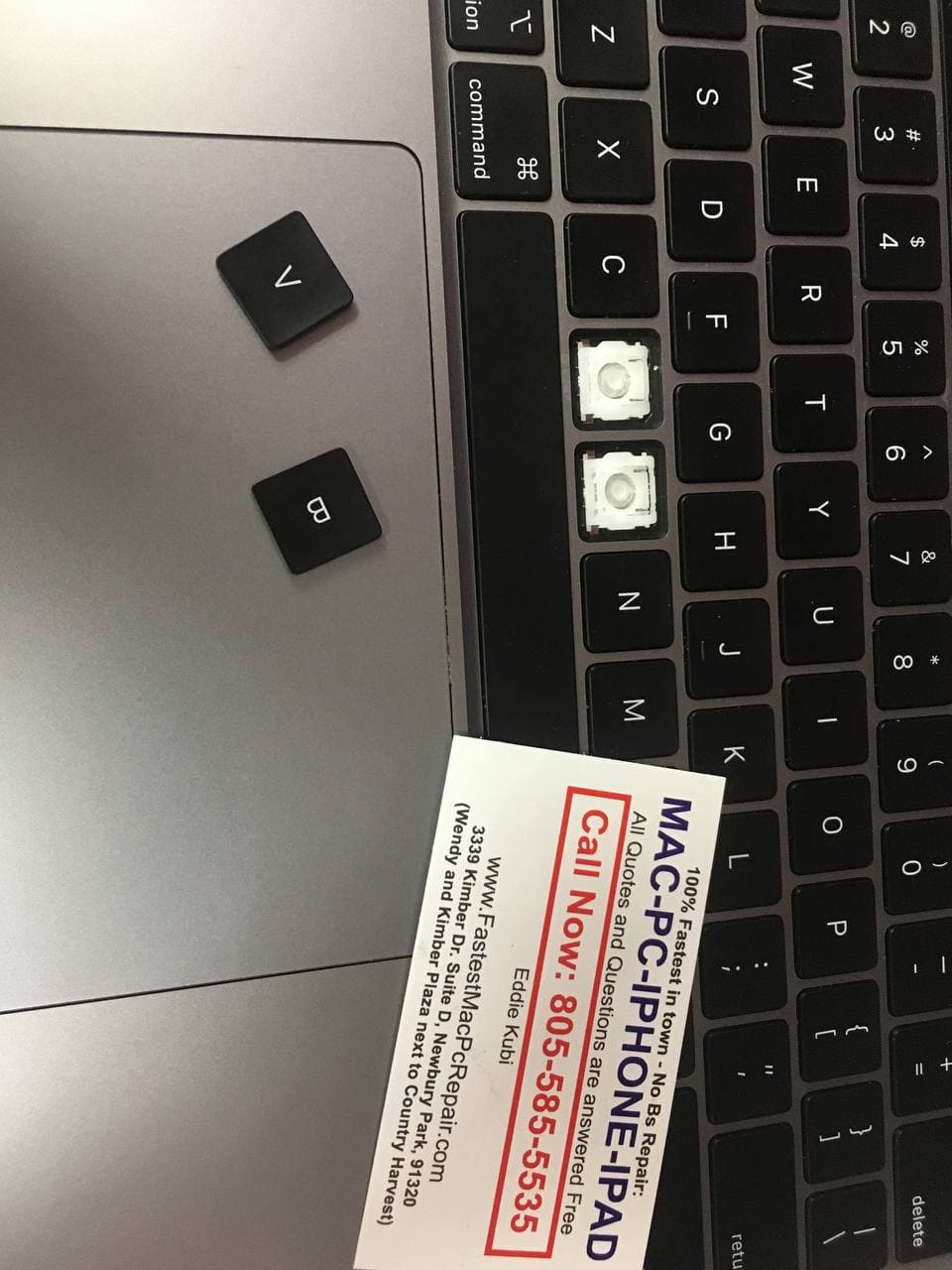
How do we know? Well, we actually had a chance to clean them today, because there was some soda on spilled on them and they were pretty sticky! 2 hours later it was history! All working like new again!

yay!

So now if you have an accident and your in need of macbook keyboard repair- you know where to go!

our address is Fastest Mac Repair and Pc Repair Newbury Park at 3339 Kimber Dr. STE D, Newbury Park, Ca 91320

or please call us before you show up to make sure we’re open and someone is there, at 805-585-5535

Fast Custom PC Build Service

Building your own computers from scratch used to be a thing of the past, or so I thought. Yet in reality many people still do it. Some of those people are graphic designers or architects, but most of course are “Gamers”, who want to have powerful machines to be able to keep up with latest technology and enjoy themselves playing some of the coolest video games they have these days.

Most of the repair that we do in our shop are laptop repairs, but once in a blue moon we still get people who want to build their own PC’s and either don’t know how to do it, or in most cases they try to do it themselves, but either screw something up along the way, or can’t figure out how to make everything work properly. Then they bring it to us- “the experts”!

Cause in most cases everything goes pretty smoothly if you just follow directions and put things right. But that is not always the case. In some situations the new parts that come in are faulty and computer won’t work because of that.

But in most cases when there is some kind of hiccup with computer, it is because of user error. In most cases people damage the CPU socket by bending the pins, in some cases they plug in cables incorrectly, or in some they even order wrong parts and everything must be re-done from scratch.

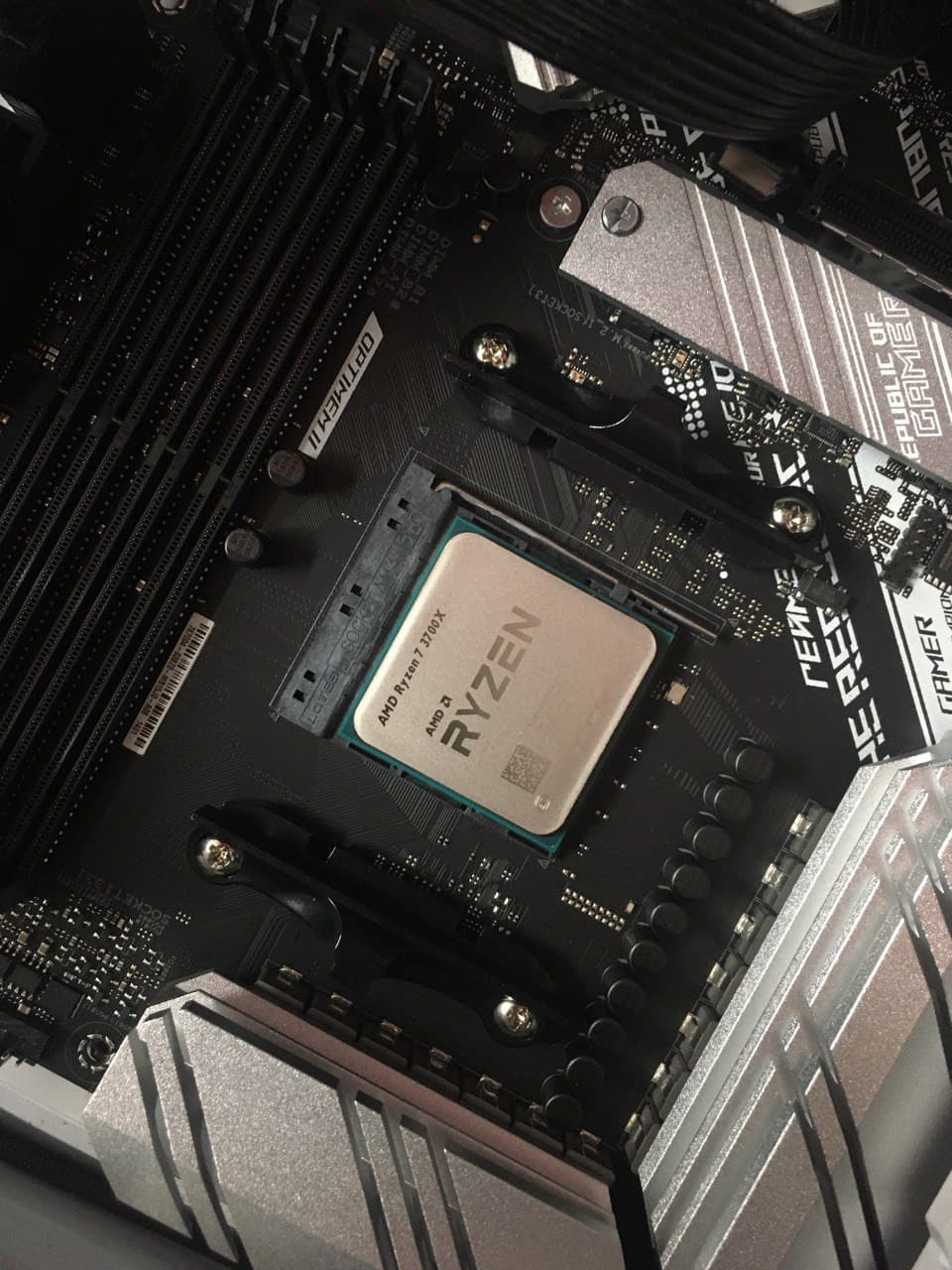
In this computer custom computer build scenario, we had two cables that were shorting out the whole system. Which was tricky to identify, because no one would have thought it would be a SATA cable that shorted the whole computer from even turning on…. and just like saying goes- you learn something new every day- cause anything can happen, especially when it comes to computers.

custom pc build service at fastest mac repair and pc repair in newbury park

So, next time you want to put together a custom pc build, feel free to contact us, if you want to save yourself some trouble and get it done right the first time. Especially if you are not feeling sure about doing it yourself.

For us it takes only couple hours to do it. Assuming we have correct parts. and we will test everything out and give you a properly working machine back in no time!

we can be reached at Fastest Mac Repair and Pc Repair Newbury Park 3339 Kimber dr. STE D, Newbury Park, CA 91320. Our phone number is 805-585-5535. Feel free to call any time. we answer all questions free and to the point.

We provide pc and mac repair service in Thousand Oaks, Agoura Hills, and surrounding areas!

Agoura Hills Imac SSD Upgrade Onsite Service

We often get a question if we do home or office calls. And the answer is- yes we do. However it all depends on circumstances. Because in some cases if the job requires lots of waiting time, like large transfers of data or operating system installations with file backup, I would rather have you bring the computer in. Simply because we can do it more smoothly in our computer store, rather than sitting and waiting for hours for some installation to finish.

And don’t get me wrong, I don’t mind sitting back and talking to you for couple hours, but I just like to be productive and do something else while I’m waiting for gigabytes of data to be transferred from one device to the other.

However in some cases we need to come out for onsite computer repair service and we do it gladly.

Just like yesterday, a lady called me from the office in Agoura Hills. Where we had to upgrade their pc and an iMac and fix some networking issues at their office. In this case we had to go to their office, because bringing devices to fix networking issues is simply not possible.

imac repair service agoura hills,

So I came and set up for the data to be copied over, then went back to my store to help couple other people and then came back to finish everything up a little later.

The point being here is we are flexible. We value your time, we value our time and we are good at finding solutions to solve your computer issues as smoothly as possible. We offer onsite PC and Imac repair service in Agoura hills, Thousand Oaks, Camarillo and surrounding areas!

Feel free to call us with any computer repair questions that you have at 805-585-5535- all questions are answered free of charge. Or you can also stop by and ask any questions in person at Fastest mac repair and pc repair newbury park, ca 91320 from 10-6pm during weekdays!

P.S.

If your iMac is running slow, you NEED to change your regular hard drive to a solid state disk (SSD). It will start running 10 times faster than when you first bought it new! Trust me on that one!!!!

Macbook pro 2015 swollen battery replacement

Macbook pro 2015 swollen battery replacement is a quite often job we perform at Fastest Mac Repair and Pc Repair Newbury Park. And one thing to note right away. Lithium batteries swell up not only on Macbook pros, they can blow up like that on any of the devices, including pc laptops, iPhones, Samsung phones, iPads, etc.

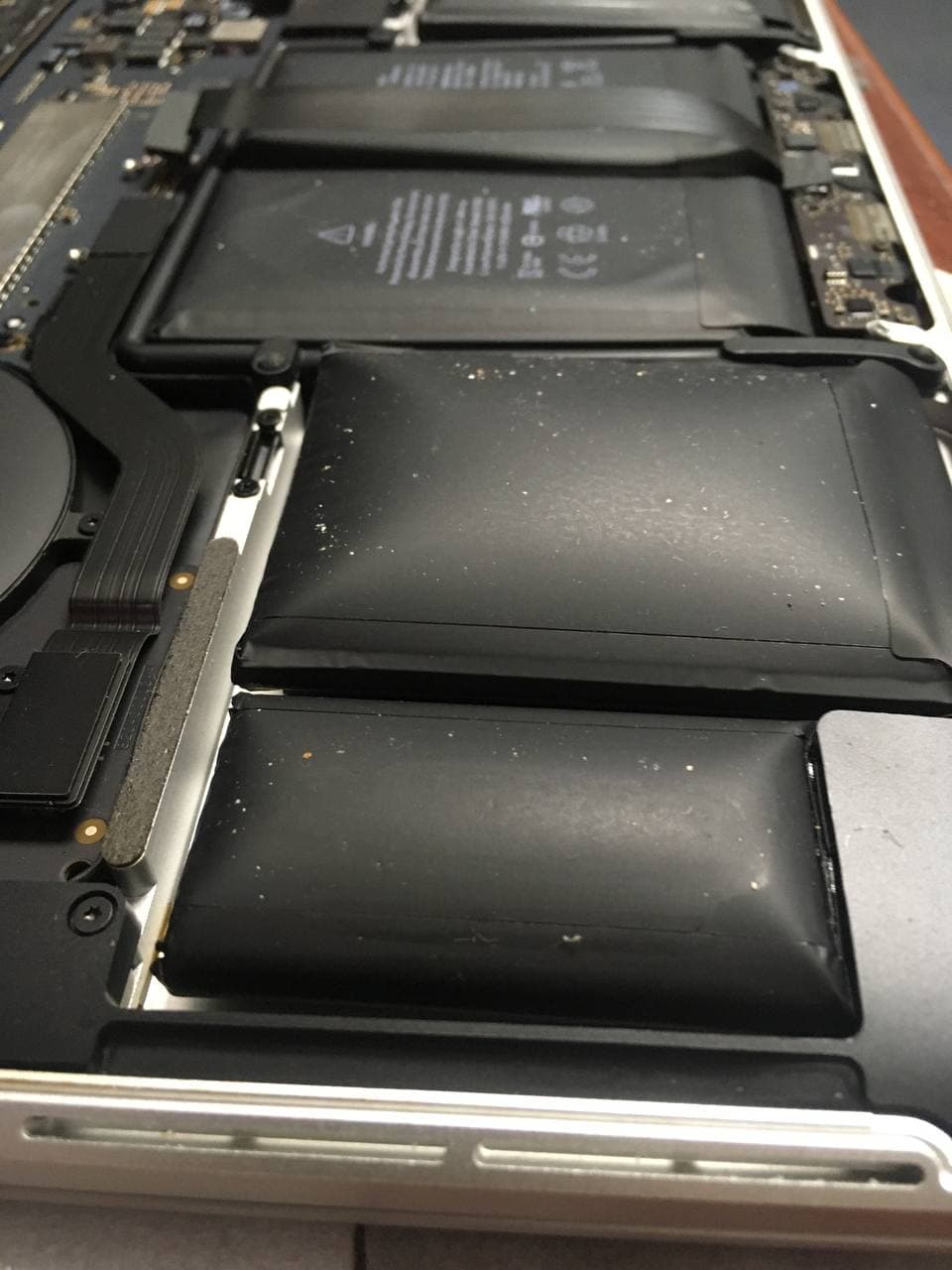
The reason that happens, is because of how Lithium batteries are made. At some point if the battery has a defect, there will be a chemical reaction taking place inside the battery, which causes some gases to build up inside the battery wrapper. And since that wrapper is sealed pretty well, those gases have no way of escaping, hence the battery swells up and at some point individual cell packs start looking like little pillows.

Macbook pro 2015 swollen battery replacement

You can poke that lining with a small needle or a sharp pin, to release the gas and the swelling will go down right away. But i certainly don’t recommend doing that, especially if you’re inside the house. Because that gas coming out of the battery is pretty toxic and shouldn’t be inhaled by anyone.

However i even if you release the pressure from the cell packs, you shouldn’t be using that battery any longer. They are also known to catch on fire quickly.

So best thing to do, if you have a battery that blew up on you, is to bring in and get macbook pro 2015 swollen battery replacement done.

We usually have batteries in stock for most models of macbooks. And battery replacement service takes about 45 minutes total!

Find us at Fastest Mac Repair and Pc Repair Newbury Park, CA 91320

or call us at 805-585-5535 we are the fastest mac repair service in Thousand Oaks and Agoura Hills Areas!

Mac Operating System Upgrade for iMac or Macbook

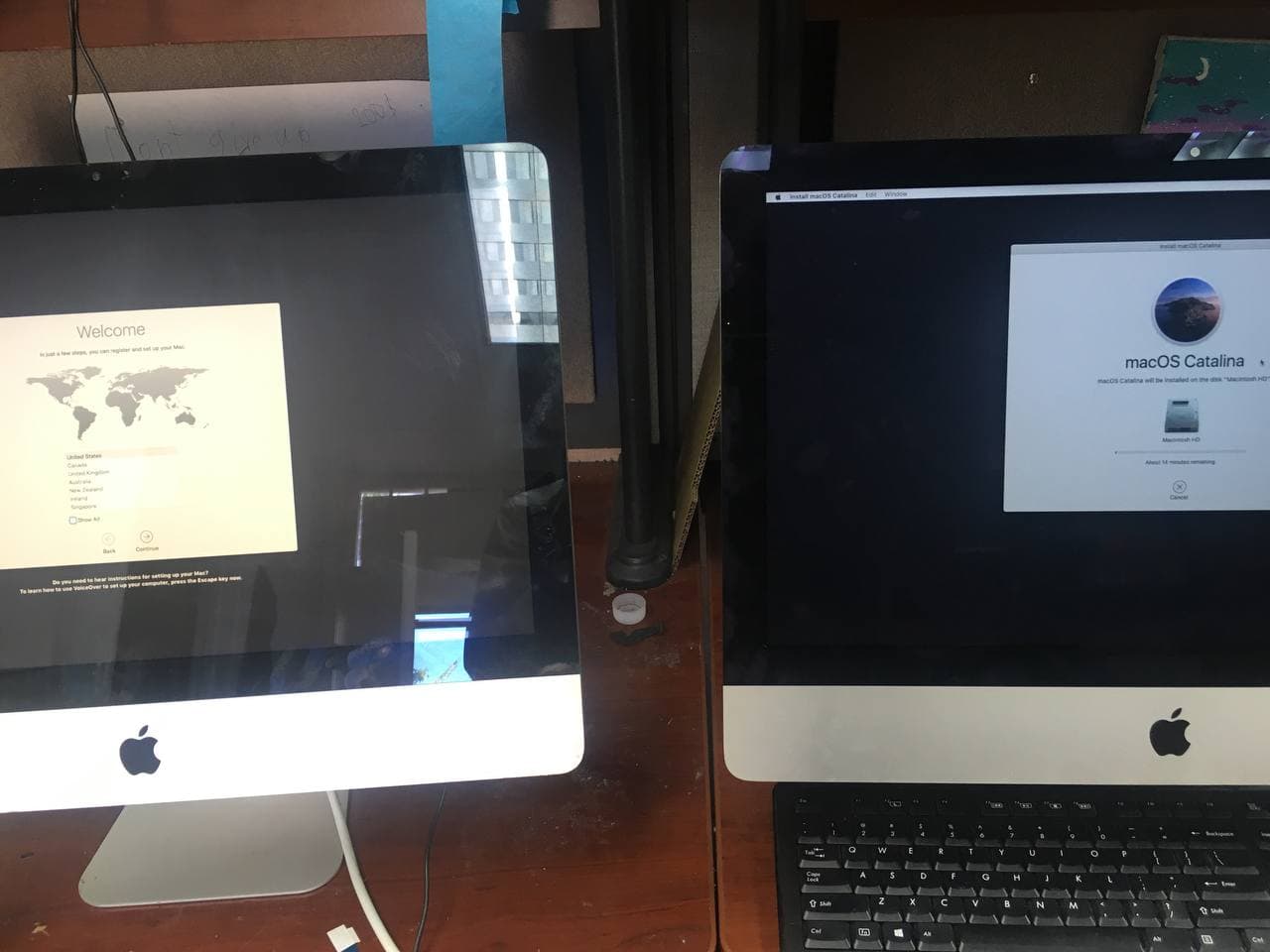
What are my Mac Operating system upgrade requirements or which Operating system should i upgrade my mac to, are the questions we get asked a lot. Should i upgrade to Big Sur or Catalina, or how to upgrade to older operating systems like high sierra, el capitan, etc

The answer is a little tricky. But if you understand the way Apple works it becomes a little more clear on how to navigate this situation easier.

When it comes to computer hardware, Apple actually makes (or used to make) pretty superior products. They usually last, or rather USED TO LAST, for a very long time(compared to newer ones). Which was a great thing for consumers, yet maybe not such a great thing for Apple itself. Because if a computer they sell you lasts 10 or 20 years, it means, a person will not need to buy another computer for a long time. That means less sales for apple and that is not a very great thing to experience for the “greatest company” in the world. Especially not a great thing for shareholders of the company!

So what does Apple do to overcome that? What they do is, they give each computer a ten year window, in which it can be serviced (by Apple or private computer repair shops), upgraded and used with full functionality. Meeting all security and software requirements to do pretty much anything a new computer is intended to do.

mac os upgrade service newbury park, mac repair agoura hills, imac repair agoura hills

Next question is: what happens after 10 year window expires, you might ask?!

For most part nothing terrible will happen. You will be able to use your iMac of Macbook pretty much forever… the only real issue you will start having is when you will try to access internet.

Because the way Apple makes their old devices obsolete is they limit your ability to upgrade them to newest software, or in case of Macbooks and iMacs- OS or Operating System. And the reason you will have problems accessing internet, is because safari browser can only be updated by updating the OS. And if you are not able to update your OS because of your computers age, you will not be able update Safari browser and you will be limited in which website you can or can not access!

This is it in a nutshell. Other than that if you just use your computer to run some programs or you want to do some word processing. You can use old Mac devices until they actually stop working or maybe become too slow to use or something physically goes wrong with them.

Also here is a list of apple devices with the maximum OS they support if you have an older apple computer and dont know which OS can support click this link to see the list: Supported max Os on mac computers

And if you need help upgrading your macbook or iMac to newer OS or reinstalling Operating System completely- feel free to call us at 805-585-5535

or stop by at Fastest Mac Repair and Pc Repair Newbury park at 3339 Kimber dr. Ste D, Newbury Park, Ca 91320 (we’re next door to Country Harvest restaurant).

Or visit us at our Agoura Hills location at 30315 Canwood St. Ste 11, Agoura Hills, Ca 91301

where we fix iphones, iPads, and also offer Macbook and iMac computer repair in Agoura Hills, Ca

Asus Laptop Charging Port Repair (dc jack repair)

This Asus laptop has already come in three times with the same charging problem and needed charging port repair(dc jack repair) once again.

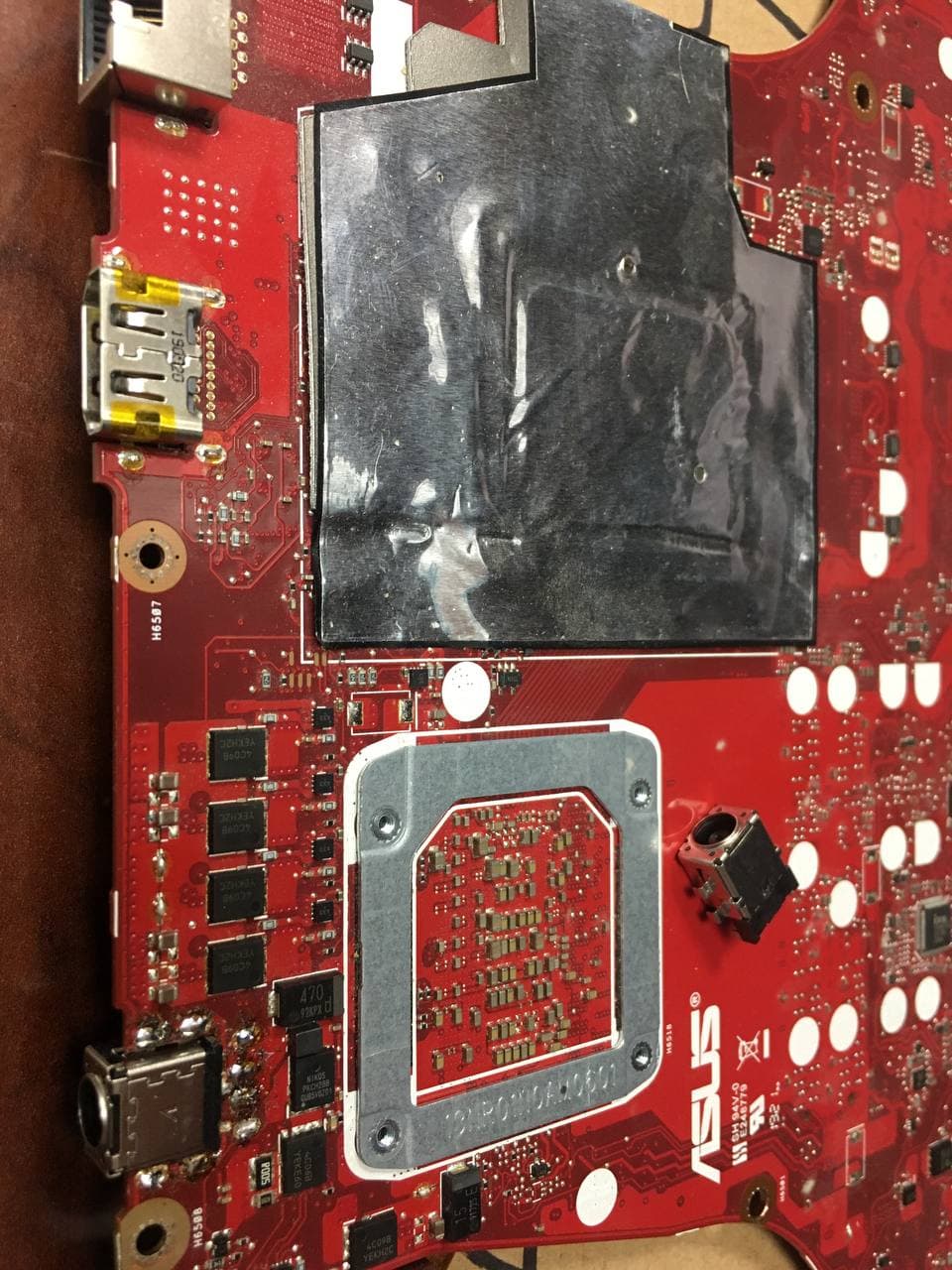
If you were fixing computers for as long as i have, you would know that Asus brand was the most commonly known to have faulty jacks. One reason for that is that those dc jacks are soldered on the motherboard directly . Unlike hp laptops or dell laptops that use charging ports that plug into the motherboard using a little wire.

For that reason Asus jacks are a little more prone to being damaged easier. because if a person trips over the charging cord or pulls the cord accidentally even a little bit. The charging port breaks on them easier, since it is solidly soldered and the middle pin just takes all the pressure and usually breaks off immediately.

Hence this particular 831GT Asus has a large charger and if user pulls on it too hard the charging port (dc jack) gets damaged easier and charging port needs to be replaced.

Good thing is, at fastest mac repair and pc repair newbury park, ca. We keep most of the dc jacks in stock and can replace them pretty quickly. Usually turn around is 2-3 hours. if you have charging port repair problem you can call us at 805-585-5535 or stop by at 3339 Kimber dr. Ste D, Newbury Park, CA. We service thousand oaks and do computer and mac repair in agoura hills as well!

we also offer mobile computer repair services, call 805-585-5535 to set up an appointment